Exceptional Features
Take Screenshots at Scale
All the power you need with none of the hassle.
No credit card required.
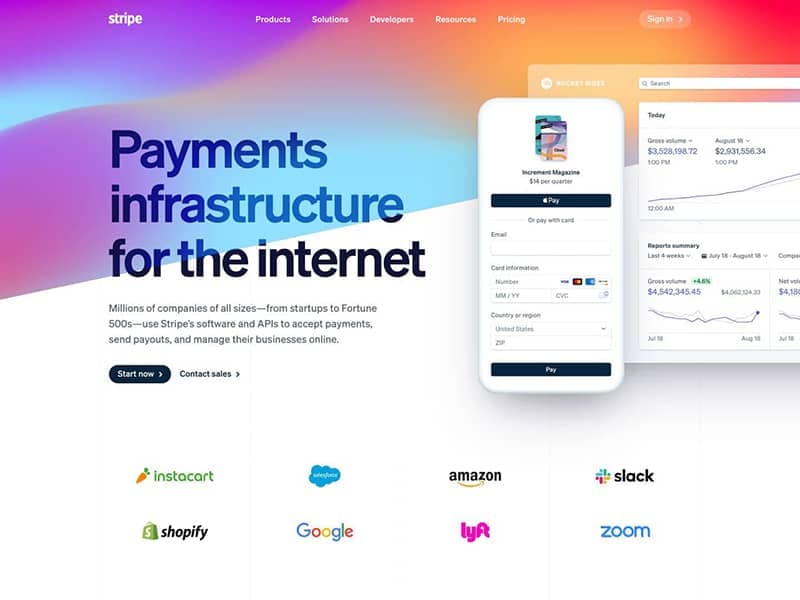
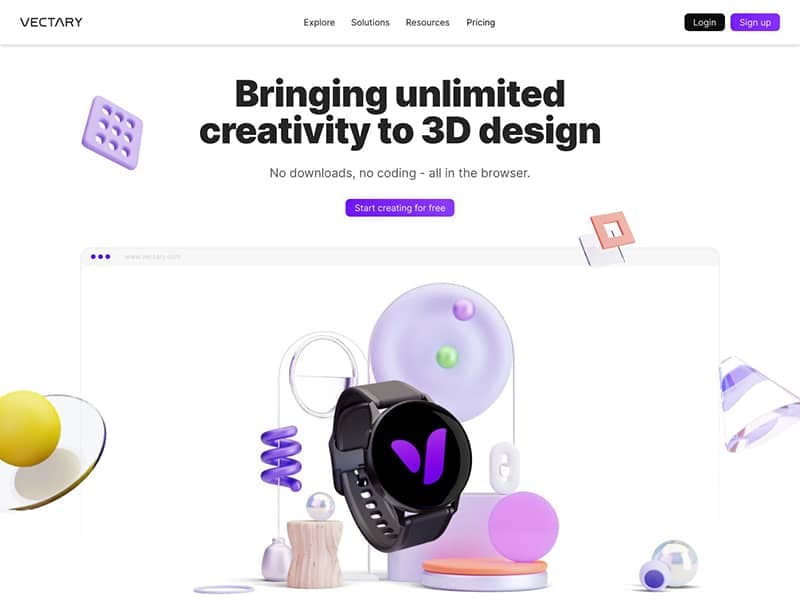
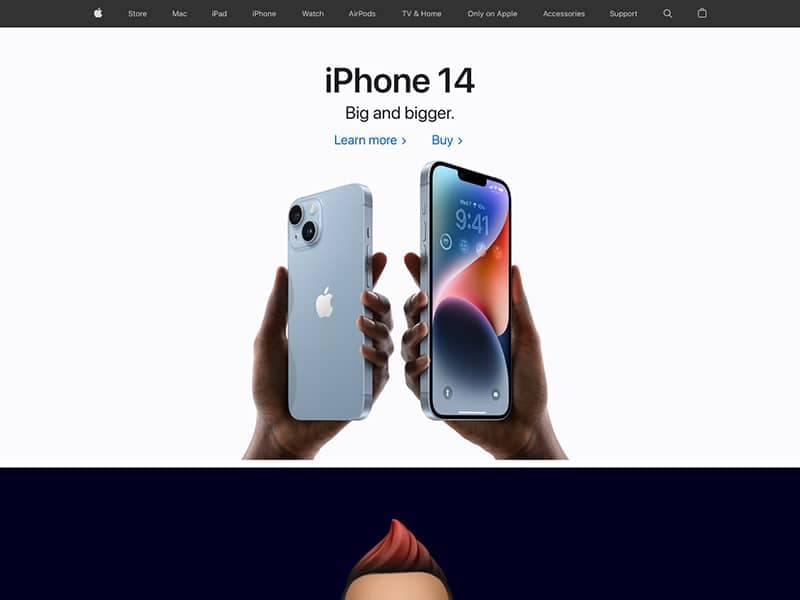
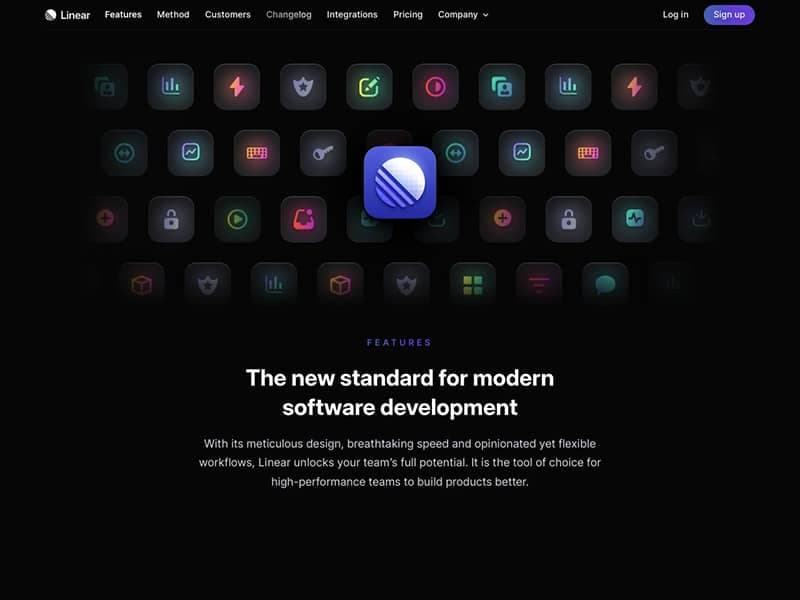
Render Modes
Viewport, Element or Full Page Screenshots
Three different render modes to choose from.
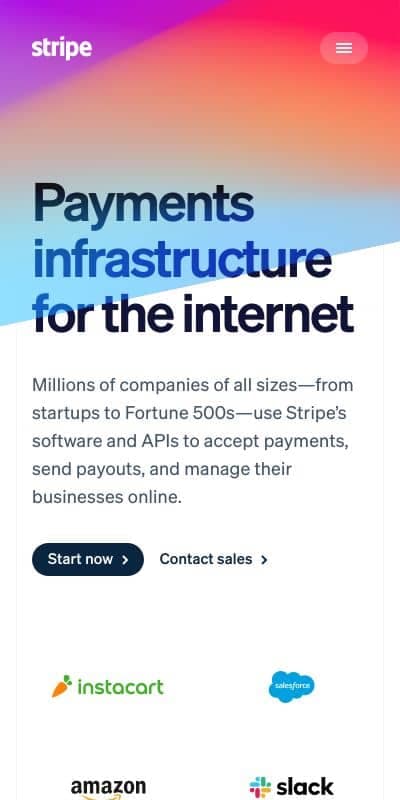
Responsive Viewport Screenshots
When you want to capture how a website looks on different devices, you can use the responsive viewport screenshot mode.
Full Page Screenshots
When you need to take a screenshot of a full page, you can use the full page screenshot mode.

Element Screenshots
When you want to capture a specific element on a page, you can use a CSS selector to target the one you want.
Input & Output Formats
URL or HTML to What You Need
Eleven different output formats to capture or convert webpages.
URL
Input a URL to render.
HTML
Input HTML code.
Image
PNG, JPEG, SVG, AVIF
Video
MP4, WEBM
Document
PDF, SVG
Data
MD, JSON, HTML
Available Output Formats
Image
When you want to capture a snapshot of a full or partial page at a specific point in time.
- PNG: Even with a transparent background.
- JPEG: For photos and general use.
- WEBP: For modern browsers and mobile devices.
- AVIF: For high-quality images on modern browsers.
Video
When you want to capture an animated website or a video scrolling down a page.
- MP4: For general video use.
- WEBM: For modern browsers and mobile devices.
Document
When you want to capture a page as if it were printed or you need a verctor graphic for a design pipeline.
- PDF: For reports, invoices and more.
- SVG: For vector graphics.
Data
When you need to capture more context at the same moment as taking a screenshot, recording a video or generating a document.
- MD: Extract text content as markdown for LLM inputs.
- JSON: Extract structured metadata and more data from pages.
- HTML: Get the fully hydrated HTML with dynamiclly loaded content.
Rendering Features
Powerful Blocking Toolset
Get screenshots free from distractions.
Block Ads
No more distractions from the content that matters.
Block Popups
Disable annoying popups and overlays.
Bypass Captchas
Get around captchas and other anti-bot measures.
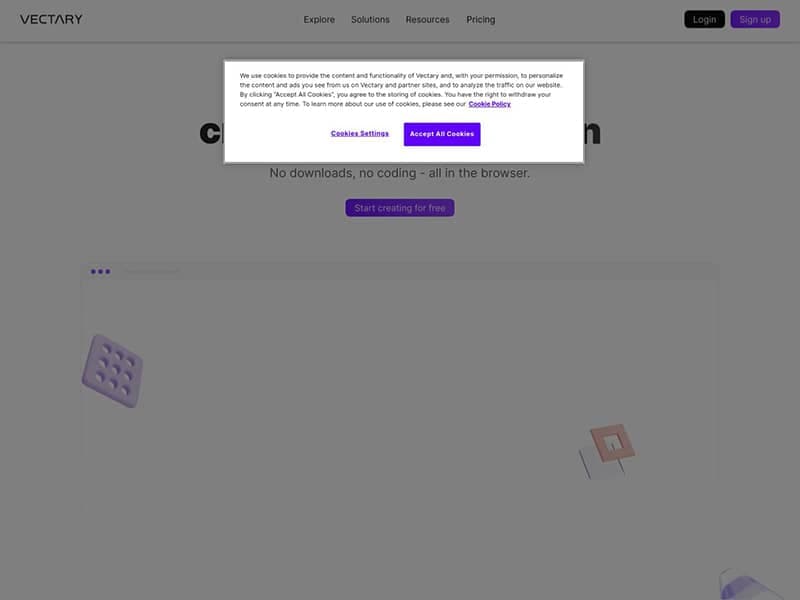
Auto-Accept Cookies
No more cookie banners in your screenshots.
Rendering Features
Optimized for Your Use Case
Delay Time
Take screenshots at just the right moment.
Custom Proxy
Use your own proxy to access websites behind a firewall.
Custom CSS & JS
Add custom CSS and JavaScript to your screenshots.
Headers & Cookies
Set User Agent and other custom headers and cookies.
Rendering Features
Advanced Rendering
Scrolling Screenshots
Show the full height of a page with all it's animations in a video.
GPU Rendering
Render complex WebGL scenes with the power of a GPU.
Edge Cases
What You See is What You Get
Urlbox ensures your screenshots will be accurately and consistently rendered at all times – even for hard-to-screenshot technologies and features.
Webfonts & Emoji
Render exactly as they appear on your Apple device.
SVG
Generate SVG image from a web page.
Canvas
Capture programmatically generated graphics and charts.
Video
Render animations as designers intented.
Index
All Features
Rendering
Free Trial
Designers, law firms and infrastructure engineers trust Urlbox to accurately and securely convert HTML to images at scale. Experience it for yourself.